What you get
- Finished walks gather under Ready to invoice, per client
- Numbered invoices with your business details, tax and bank details
- Sent by email with a link to view and pay in the portal
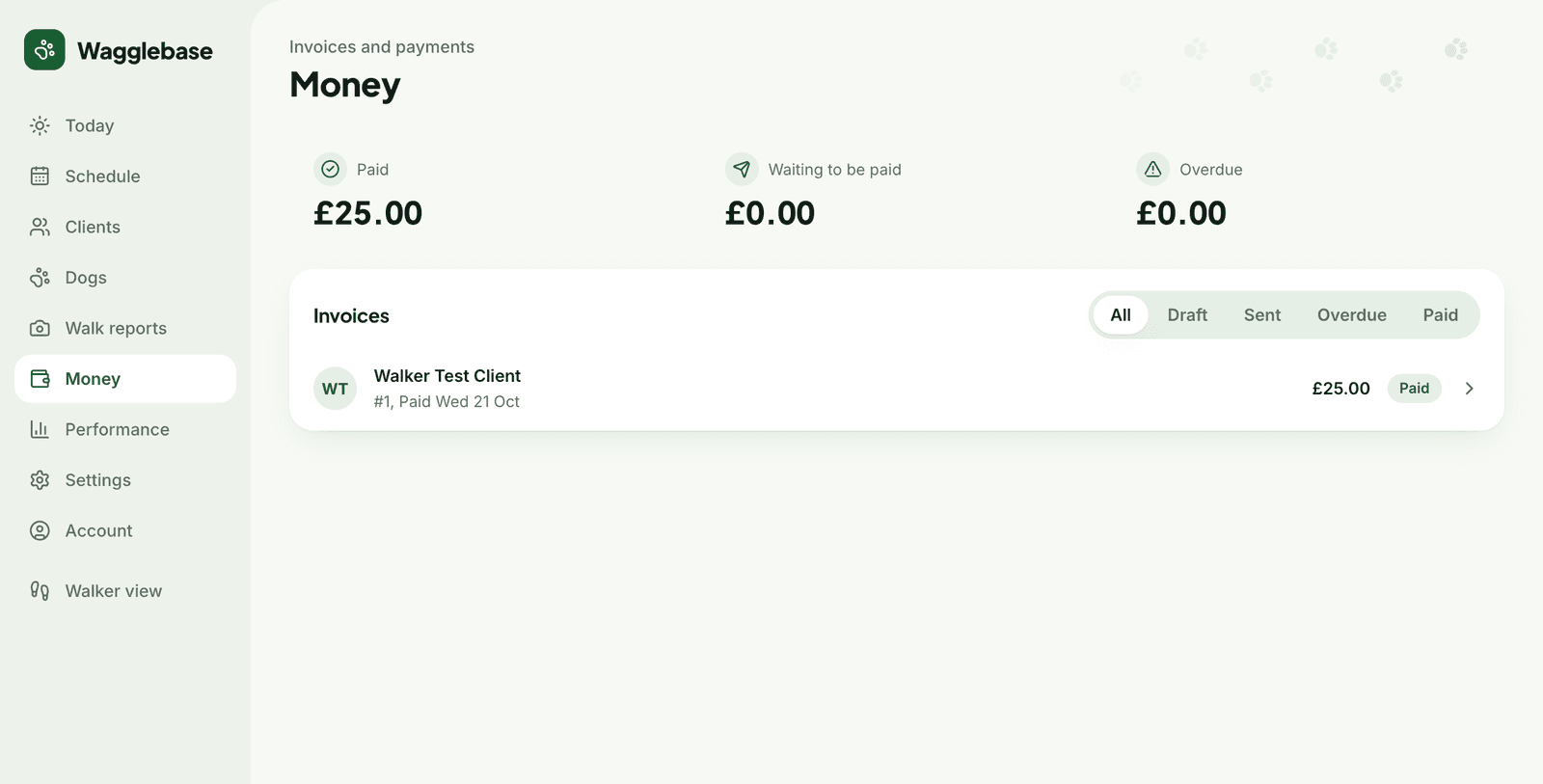
- Paid, waiting and overdue totals, with each invoice a click away
- Overdue reminders sent for you on a schedule
- Default walk prices, so invoices are mostly done before you start
Invoicing becomes a Friday habit, not a weekend job
Because every walk is a booking and every finished booking has a price, the invoice already exists in all but name. You open Money, see what is ready per client, tick, glance at the lines and send. Monthly, weekly or per walk, whatever your clients expect.
Frozen the moment it is sent
A sent invoice is a snapshot: the lines, prices, tax rate and your details at that moment. Change a price later and old invoices do not move. The number sequence is yours, continuous and gap-free, which is what your accountant wants to hear.
Chasing, done gently and automatically
Reminders go out before and after the due date from a template you control, through each client's chosen channel. Money shows what is waiting and what is overdue, and Today flags the overdue ones so nothing drifts for months.